MCP Toolsets
A Toolset is a named collection of specific tools drawn from one or more MCP servers. Instead of giving an agent access to every tool on every server, you pick exactly which tools it needs — from whichever servers they live on — and bundle them under a single name.
How it works
                    ┌─────────────────────────────────┐
                    │         MCP Toolset              │
                    │      "devtooling-prod"           │
                    └────────────┬────────────────────┘
                                 │
              ┌──────────────────┴──────────────────┐
              │                                     │
     ┌────────▼────────┐                  ┌────────▼────────┐
     │  CircleCI MCP   │                  │  DeepWiki MCP   │
     │  (10+ tools)    │                  │  (3 tools)      │
     └────────┬────────┘                  └────────┬────────┘
              │                                    │
    ┌─────────┴──────────┐              ┌──────────┴──────────┐
    │ ✓ get_build_logs   │              │ ✓ read_wiki_structure│
    │ ✓ find_flaky_tests │              │ ✓ read_wiki_contents │
    │ ✓ get_pipeline_    │              │ ✗ ask_question       │
    │   status           │              └─────────────────────┘
    │ ✓ run_pipeline     │
    │ ✗ list_followed_   │
    │   projects         │
    └────────────────────┘

        Agent sees exactly 6 tools, nothing more.
Instead of 13+ tools across two servers, the agent gets 6 — the ones it actually needs.
Why this matters:
- Smaller tool lists → fewer tokens, faster responses, less hallucination
- Combine tools from GitHub + Linear + CircleCI into one named grant
- Assign to keys and teams the same way you assign MCP servers today
Create a toolset
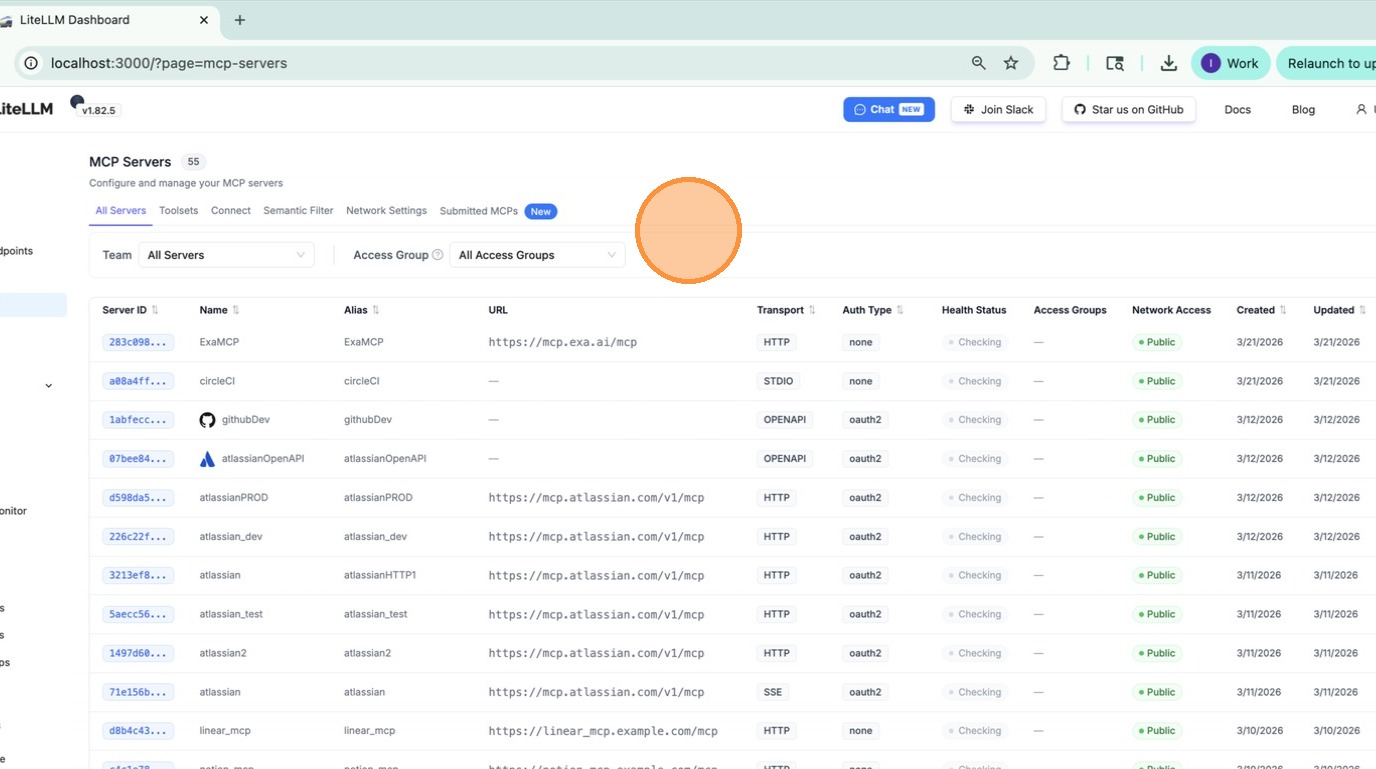
1. Go to the MCP page
Navigate to MCP in the left sidebar.
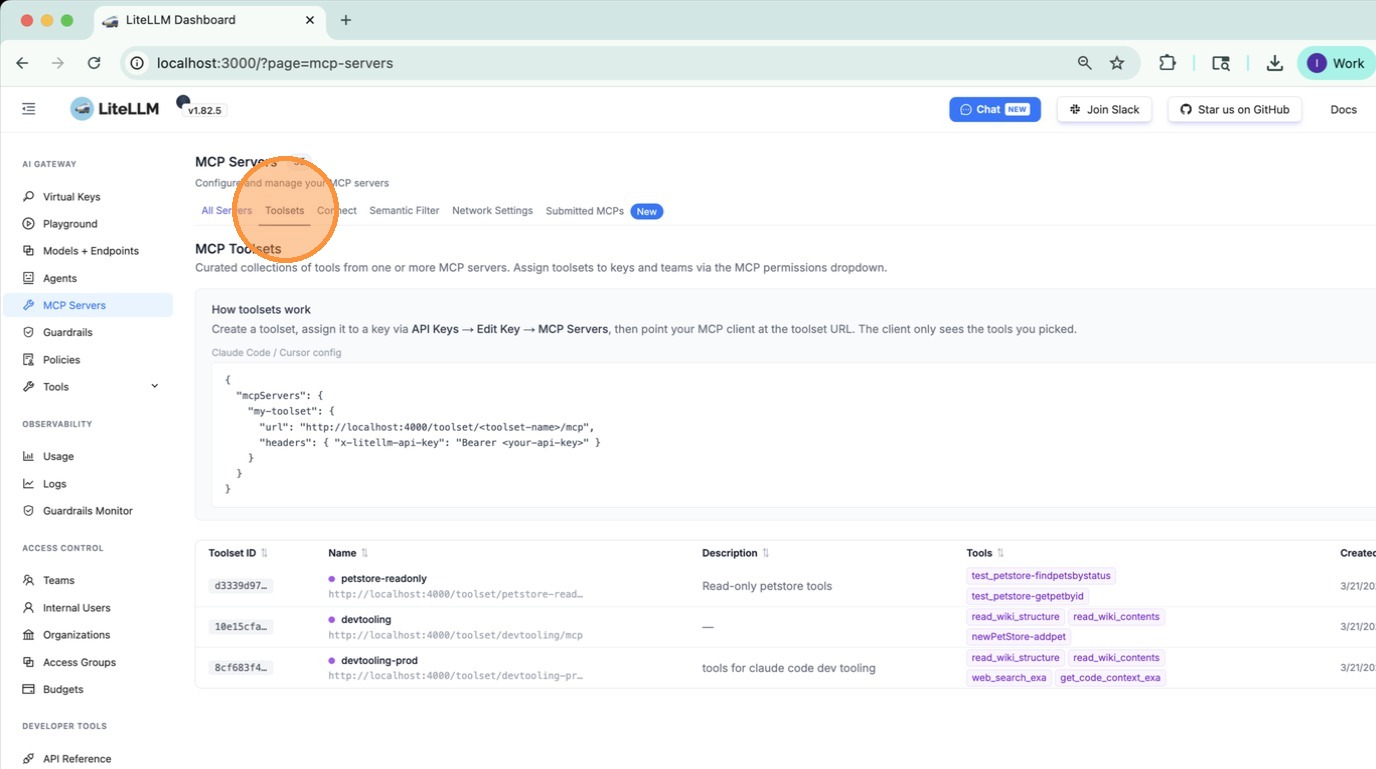
2. Open the Toolsets tab
Click the Toolsets tab on the MCP page.
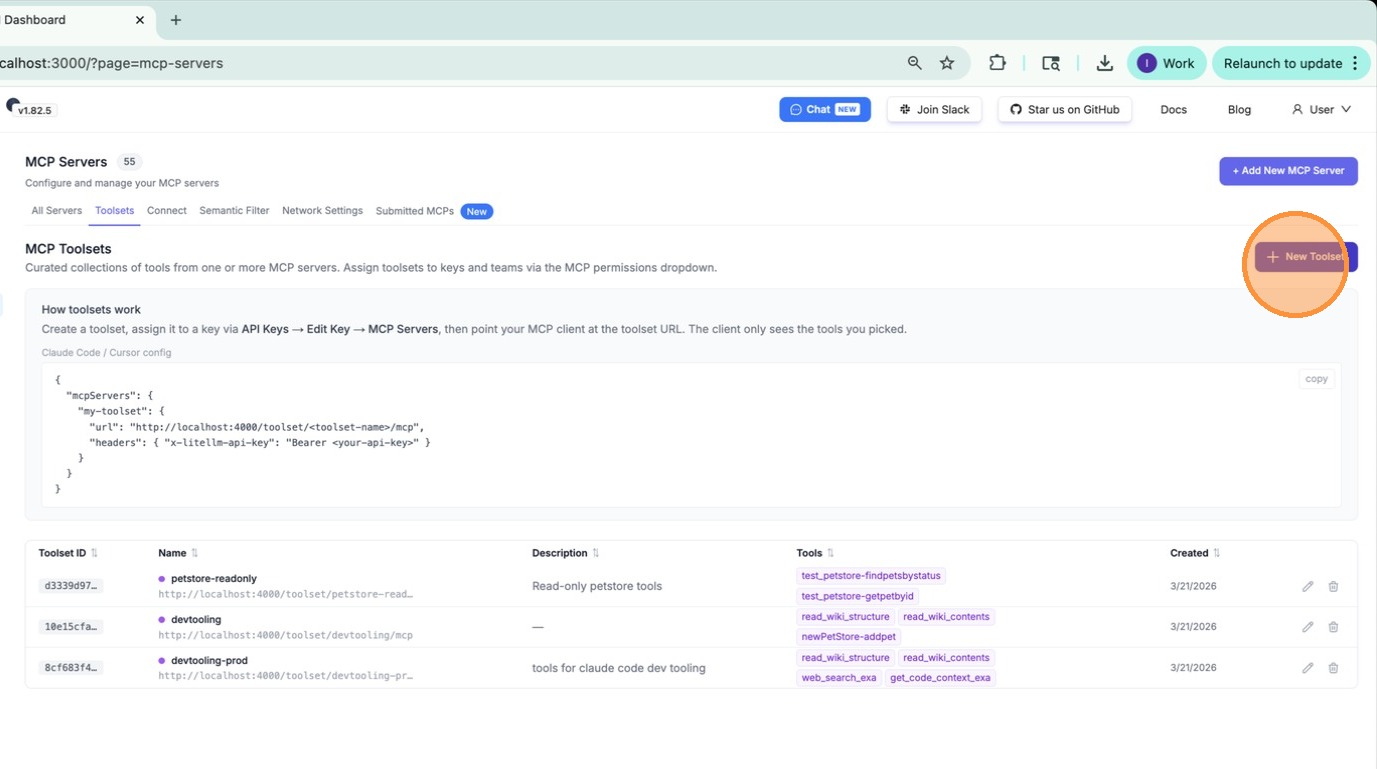
3. Click "New Toolset"
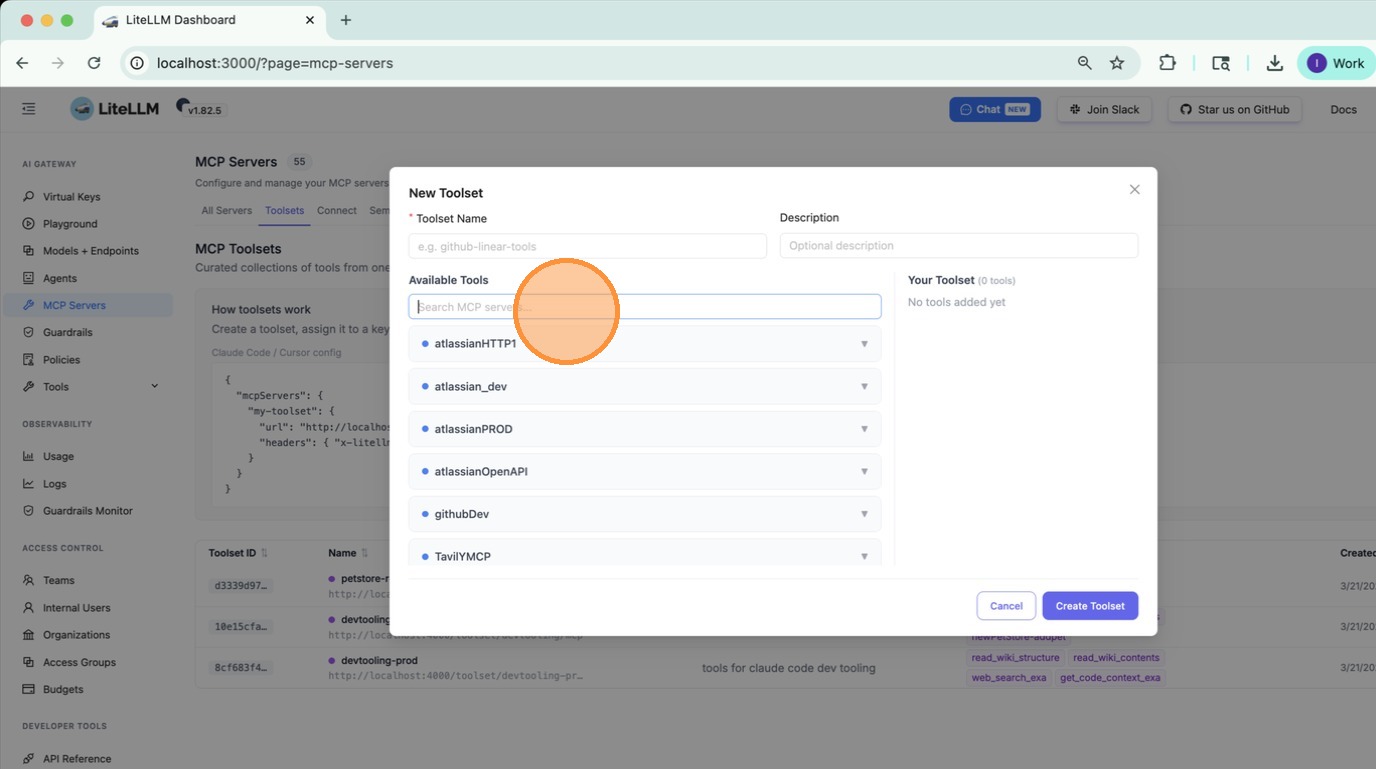
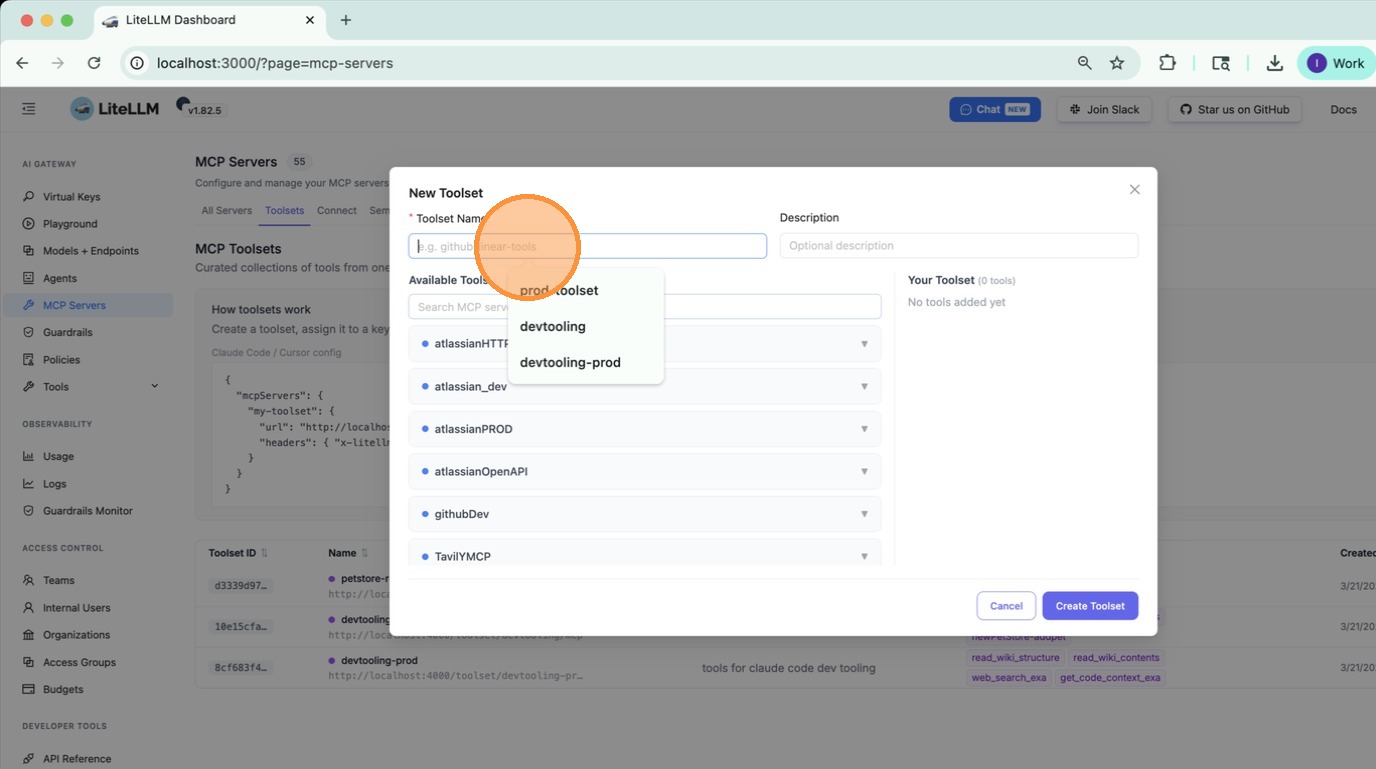
4. Enter a name
Type a name for the toolset. Pick something descriptive — this is what agents will reference.
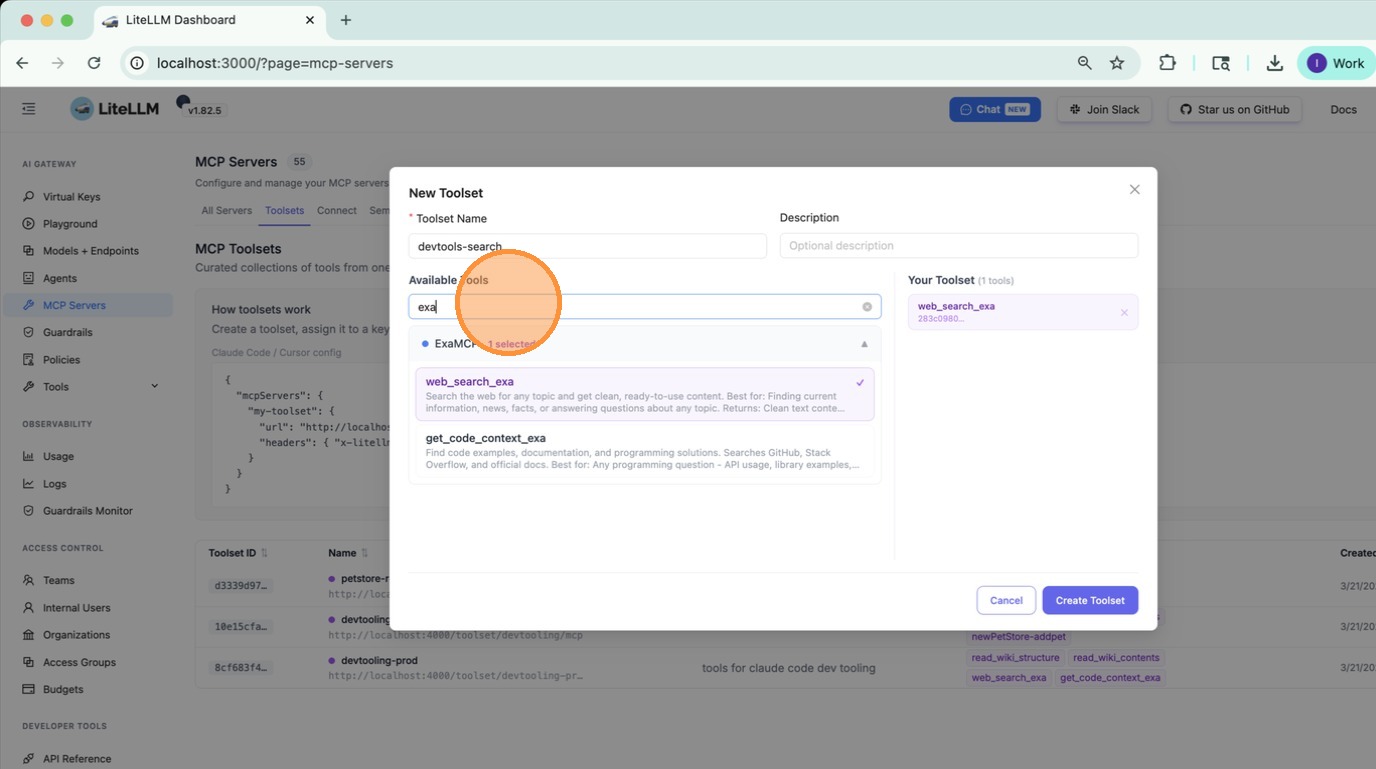
5. Add the first tool
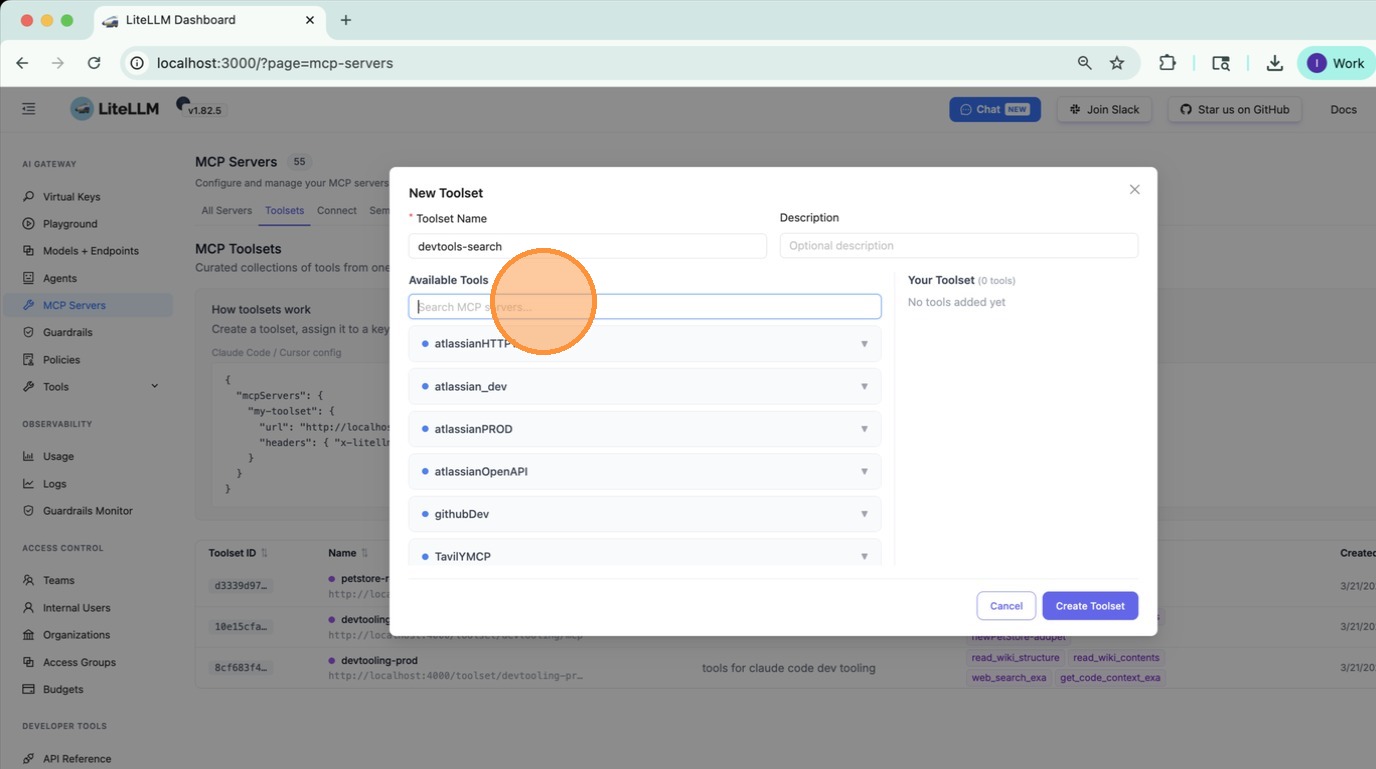
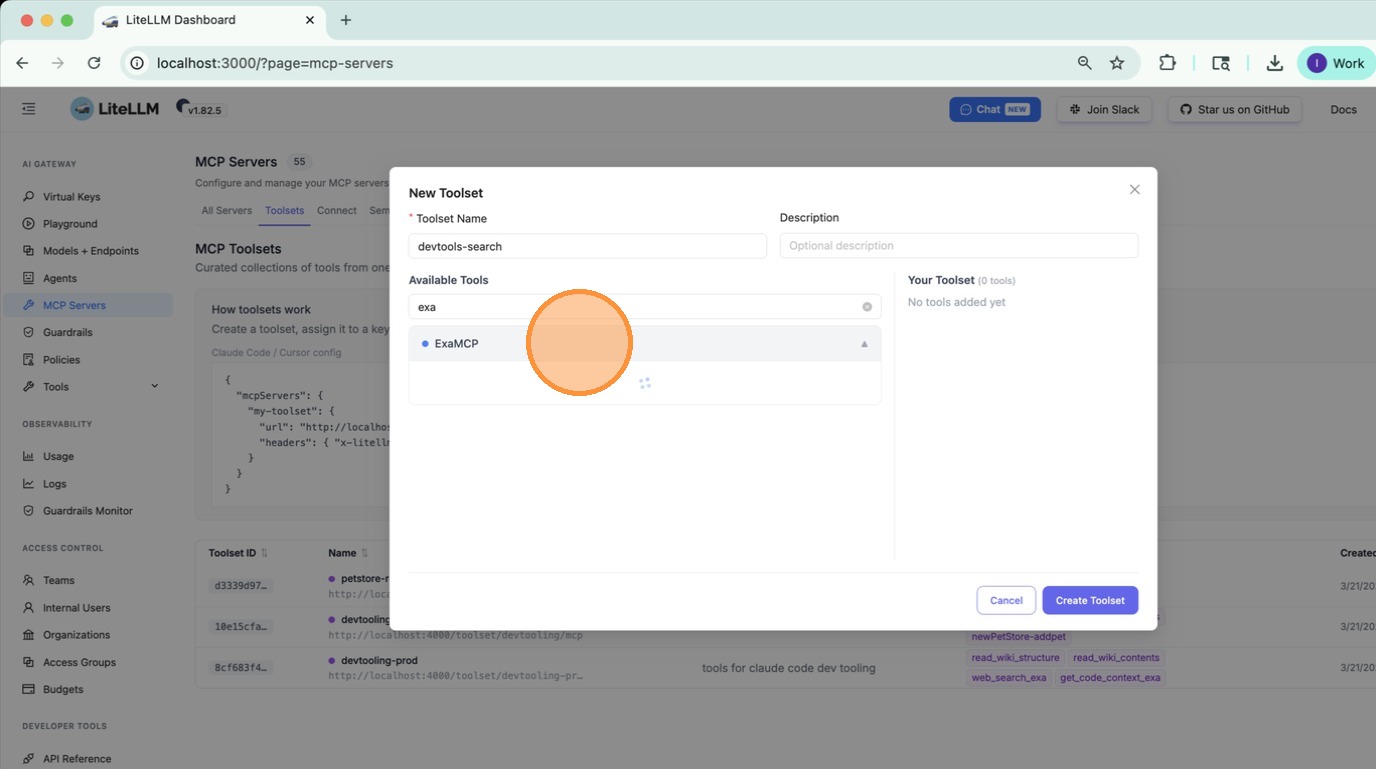
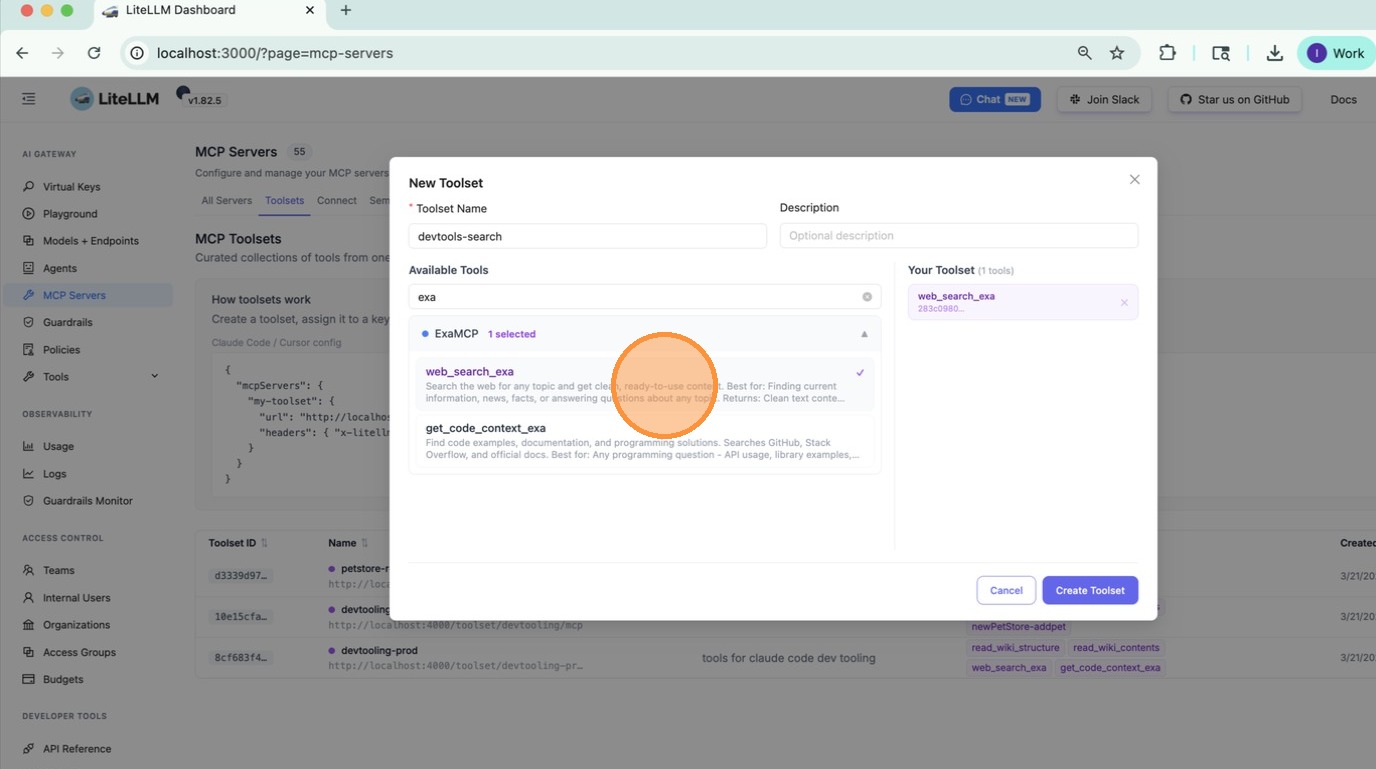
Select an MCP server from the dropdown, then choose the tool you want to include from that server.
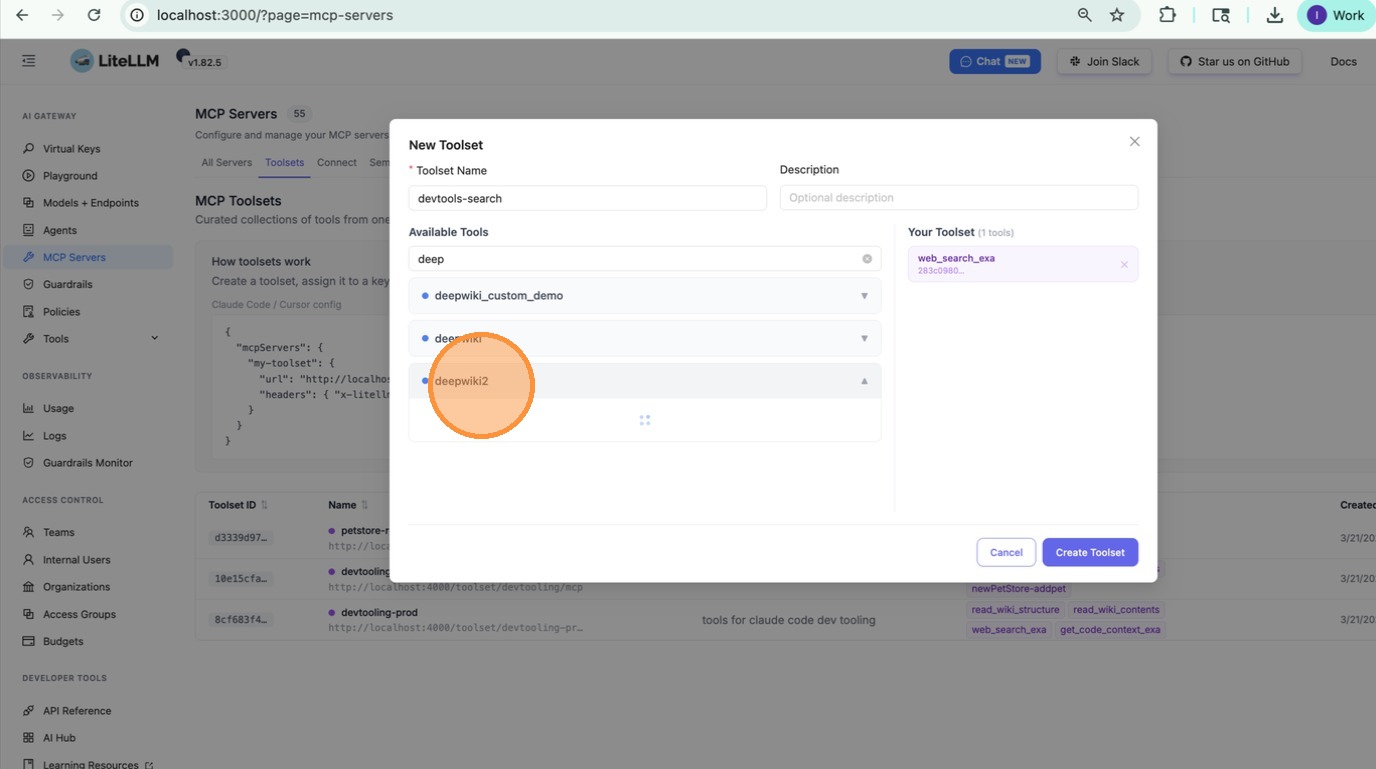
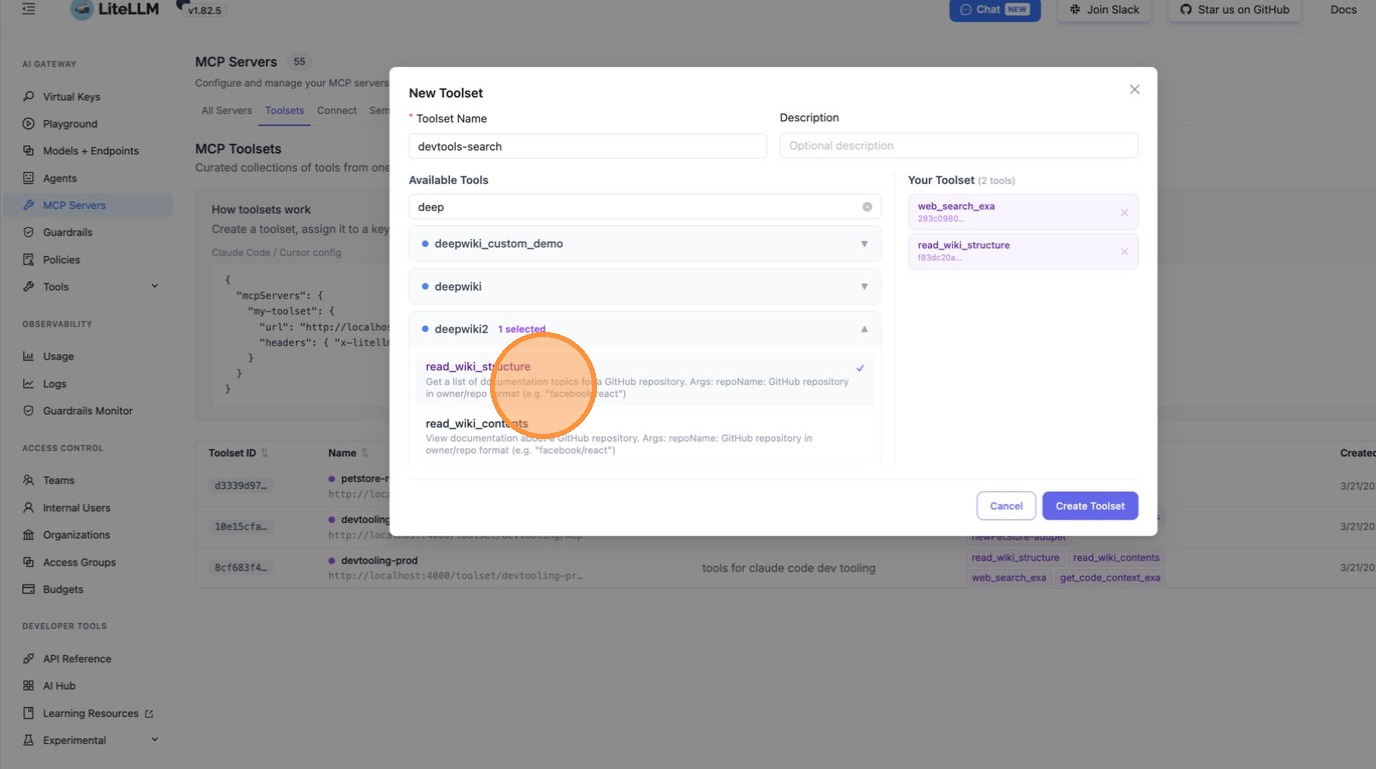
6. Add tools from a second server
Click Add Tool, pick a different MCP server, and select another tool. Repeat for as many tools as you need — they can come from any number of servers.
7. Create the toolset
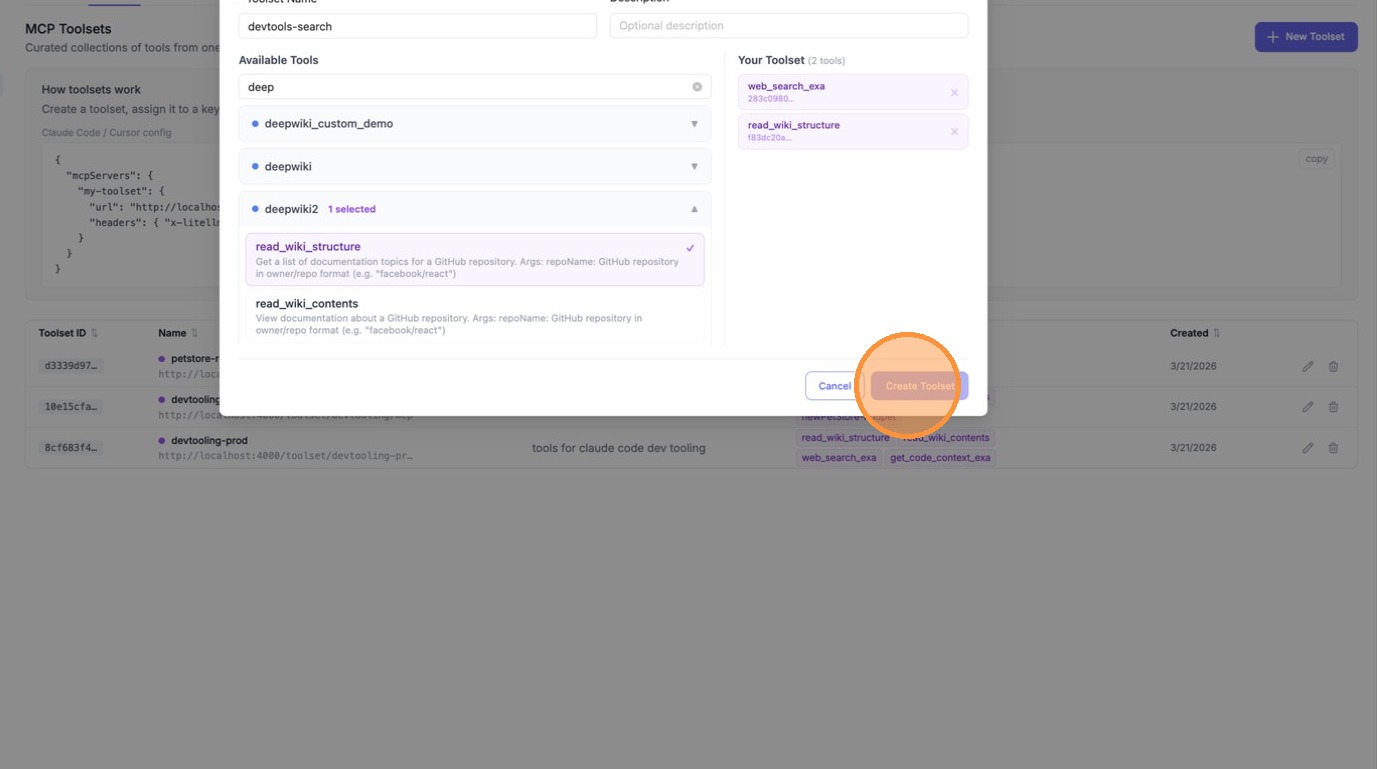
Click Create Toolset to save.
Use a toolset in the Playground
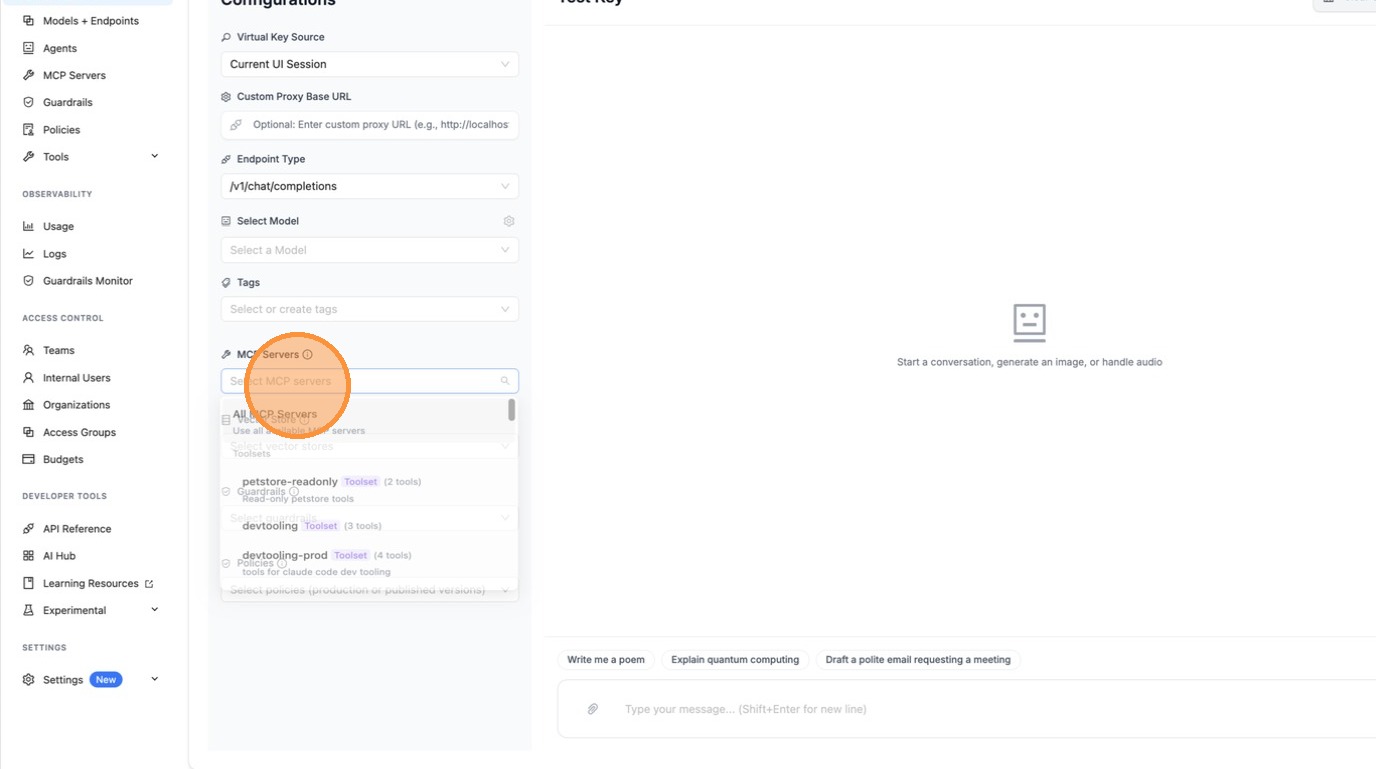
Once created, your toolset appears alongside MCP servers in the MCP Servers dropdown in the Playground — it's selectable the same way.
1. Go to the Playground
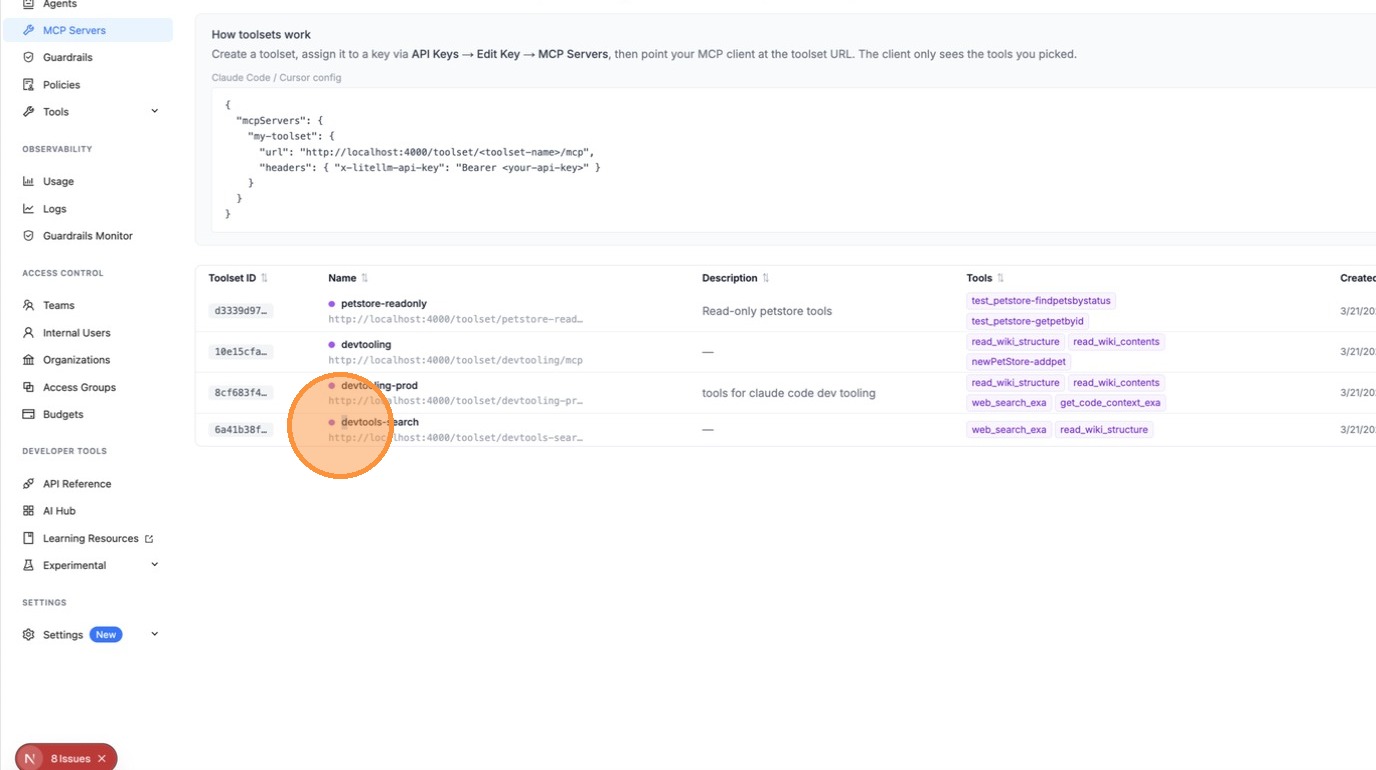
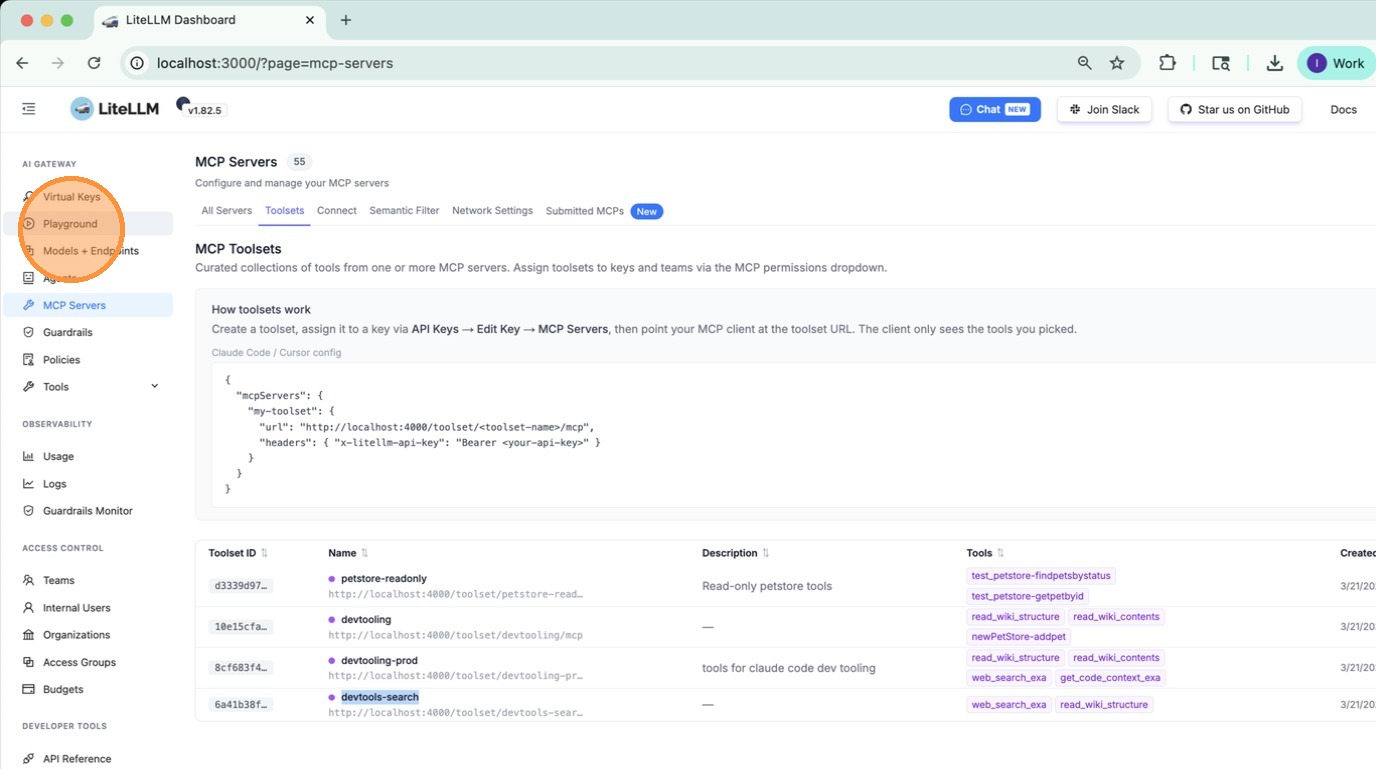
2. Select your toolset from MCP Servers
In the left panel under MCP Servers, open the dropdown and pick your toolset. The model will only see the tools you included in it.
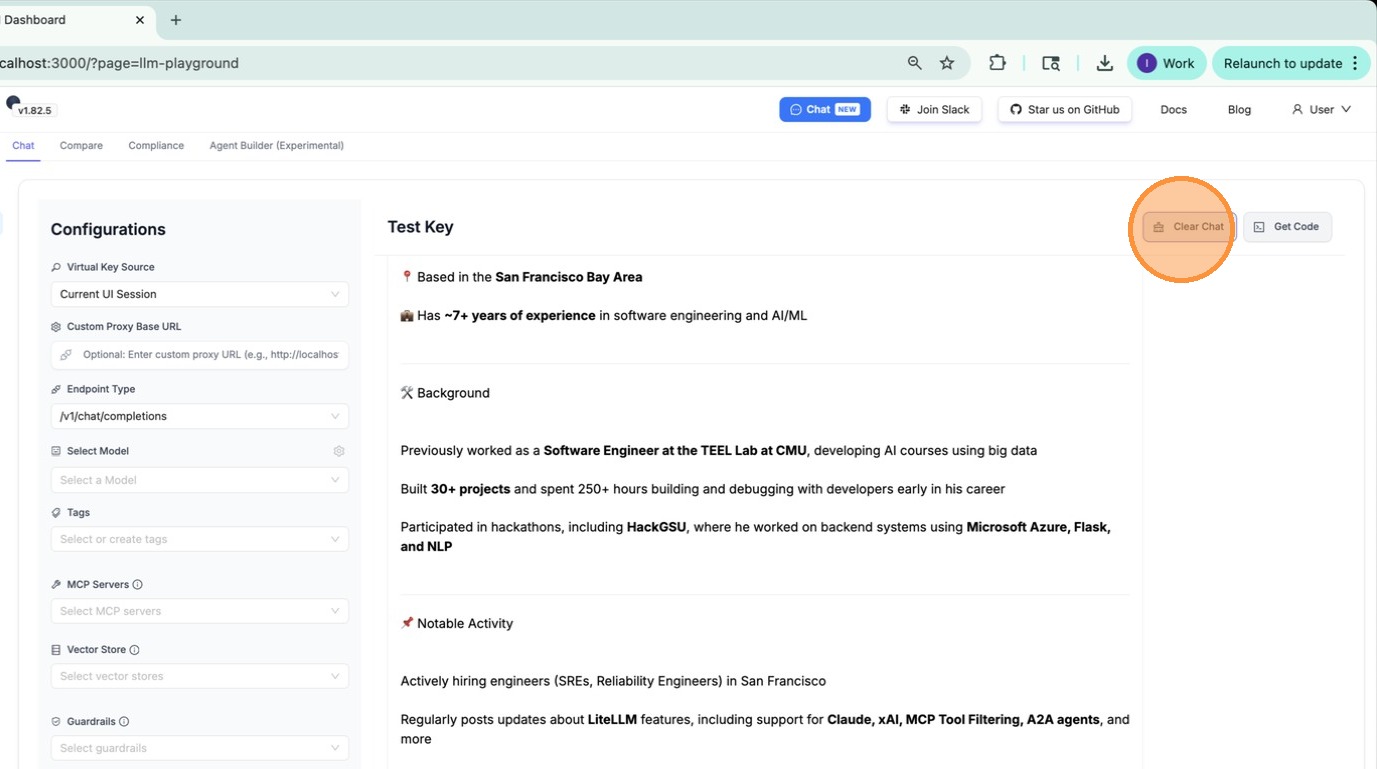
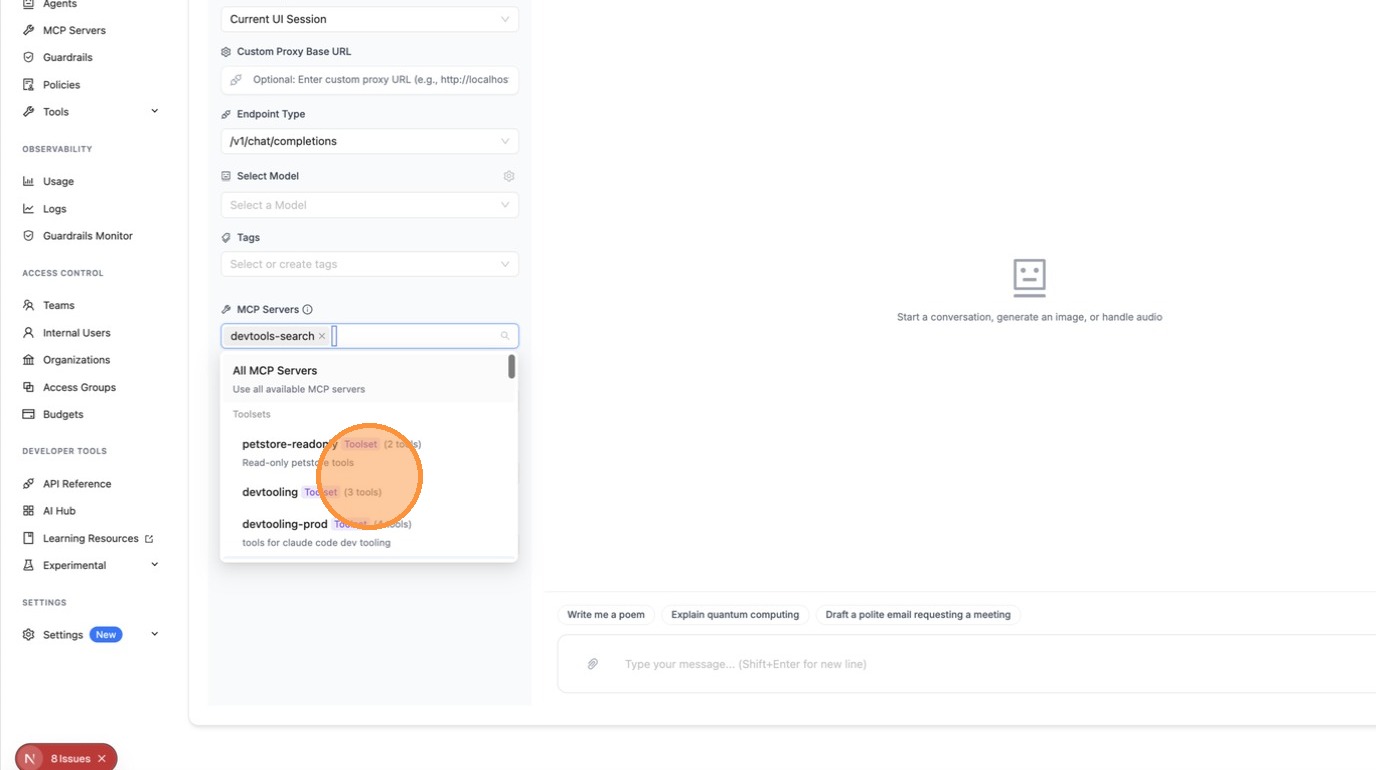
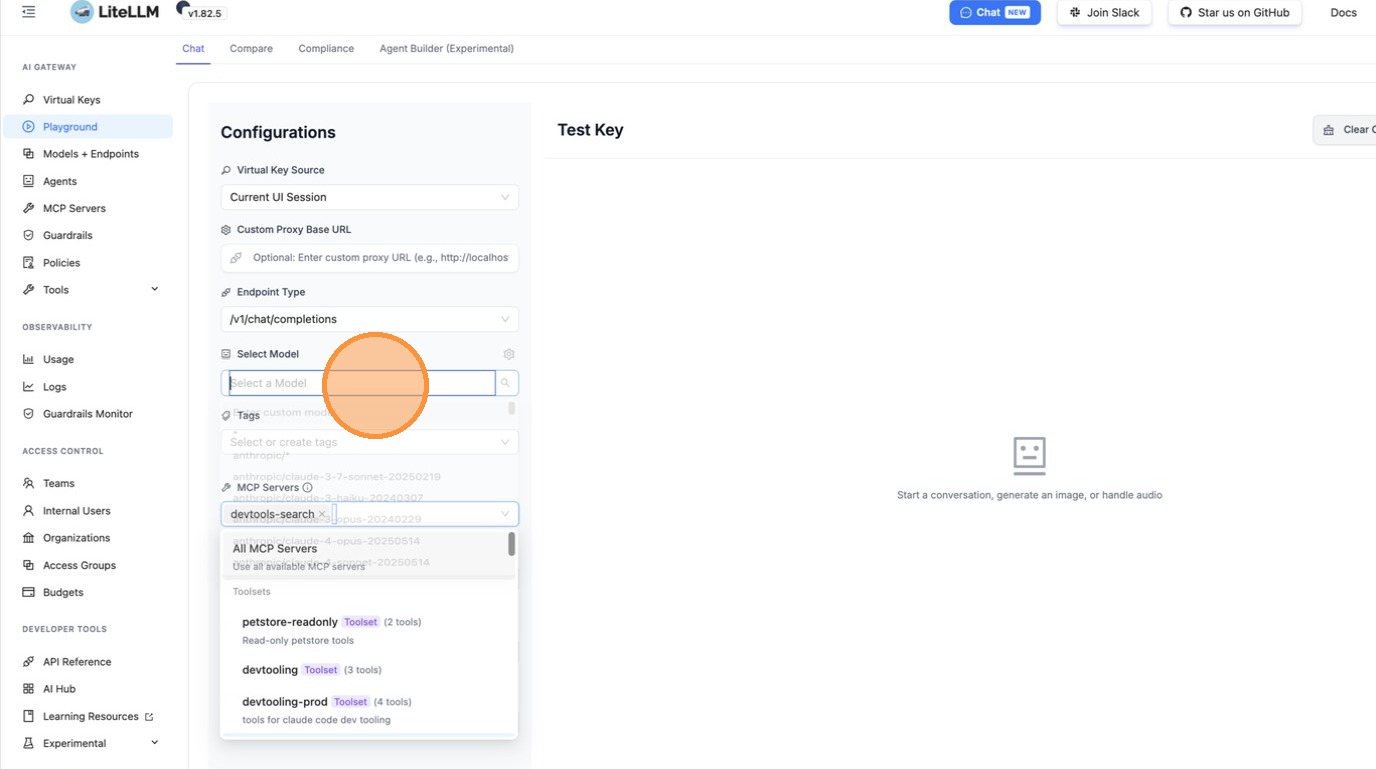
The model now has access to exactly the tools in your toolset and nothing else.
Use a toolset via API
Pass the toolset's route as the server_url in your tools list. LiteLLM resolves it server-side — no public URL needed.
- Responses API
- Chat Completions API
- REST
import openai

client = openai.OpenAI(
    api_key="your-litellm-key",
    base_url="http://your-proxy/v1",
)

response = client.responses.create(
    model="gpt-4o",
    input="What CI/CD tools do you have?",
    tools=[
        {
            "type": "mcp",
            "server_label": "devtooling-prod",
            "server_url": "litellm_proxy/mcp/devtooling-prod",
            "require_approval": "never",
        }
    ],
)
print(response.output_text)
import openai

client = openai.OpenAI(
    api_key="your-litellm-key",
    base_url="http://your-proxy/v1",
)

response = client.chat.completions.create(
    model="gpt-4o",
    messages=[{"role": "user", "content": "What CI/CD tools do you have?"}],
    tools=[
        {
            "type": "mcp",
            "server_label": "devtooling-prod",
            "server_url": "litellm_proxy/mcp/devtooling-prod",
            "require_approval": "never",
        }
    ],
)
print(response.choices[0].message.content)
curl http://your-proxy/v1/responses \
  -H "Authorization: Bearer your-litellm-key" \
  -H "Content-Type: application/json" \
  -d '{
    "model": "gpt-4o",
    "input": "What CI/CD tools do you have?",
    "tools": [
      {
        "type": "mcp",
        "server_label": "devtooling-prod",
        "server_url": "litellm_proxy/mcp/devtooling-prod",
        "require_approval": "never"
      }
    ]
  }'
Manage toolsets via API
# List all toolsets
curl http://your-proxy/v1/mcp/toolset \
  -H "Authorization: Bearer your-litellm-key"

# Create a toolset
curl -X POST http://your-proxy/v1/mcp/toolset \
  -H "Authorization: Bearer your-litellm-key" \
  -H "Content-Type: application/json" \
  -d '{
    "toolset_name": "devtooling-prod",
    "description": "CircleCI + DeepWiki tools for the dev team",
    "tools": [
      {"server_id": "<circleci-server-id>", "tool_name": "get_build_failure_logs"},
      {"server_id": "<circleci-server-id>", "tool_name": "run_pipeline"},
      {"server_id": "<deepwiki-server-id>", "tool_name": "read_wiki_structure"}
    ]
  }'

# Delete a toolset
curl -X DELETE http://your-proxy/v1/mcp/toolset/<toolset_id> \
  -H "Authorization: Bearer your-litellm-key"